

Here are the tools and process I used to mock-up a potential book cover.
Images
First: open up your AI image generator of choice (aka Adobe Firefly or Midjourney), or image creator (aka Adobe Photoshop), and start making your base images. If you use Adobe Firefly or Midjourney, you will need to enter a prompt. If you’re unsure how to write prompts for an AI image generator, then see my Newbie post with directions on getting started.
Ethical Tip:If you are concerned about AI image generators that use copyrighted images, there are ethical options that don’t. For example, Adobe Firefly does not use copyrighted content to train its models.
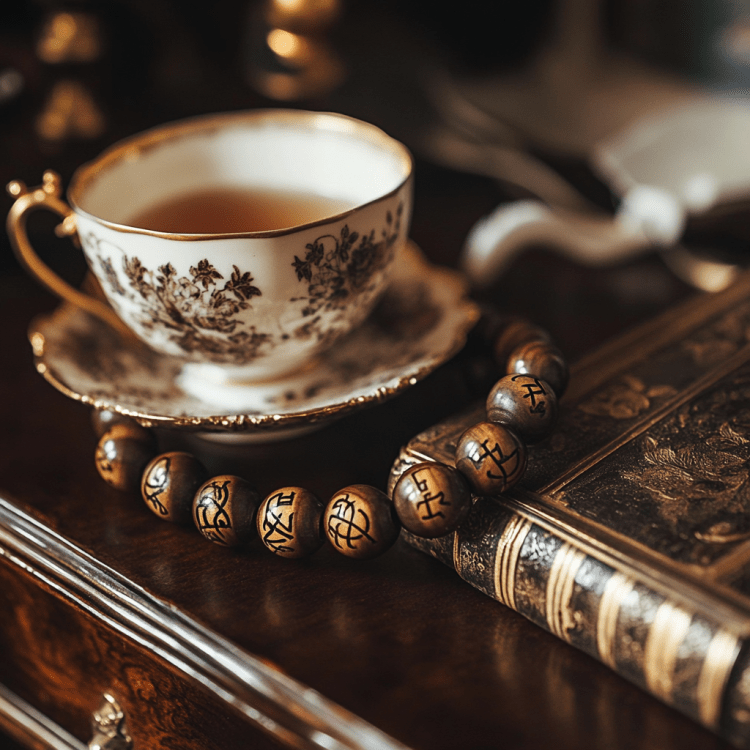
Prompts: I had to enter the right prompt to get a tea cup and charm bracelet together in one image - both critical items for the story in question. I tweaked it a little until I got the image I wanted. The final prompt I used was:
teacup on a regency vanity with a charm bracelet made of wood beads with runes carved into them
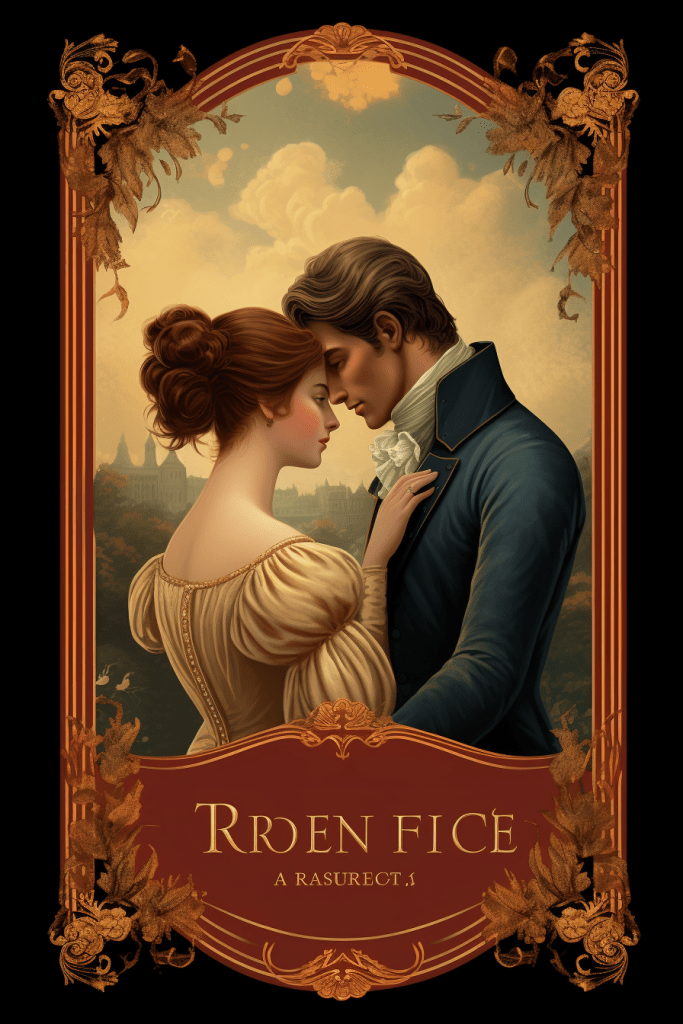
Next I did the same thing for ‘regency romance style’ book covers. AI image generators give lots of options. The image was easy to get as well, and the final key phrase I used was:
regency book cover for pride and prejudice
Fonts
I researched what font might best suit this type of book cover. In the end I mixed three fonts, which I was able to download for free from DaFont
On a Mac these are very easy to install, which has to be done prior to opening Adobe Photoshop: 1. Download font file from the link below. 2. Double-click file to ‘unzip’. 3. Click on ‘otf’ file. 4. Click ‘install’.
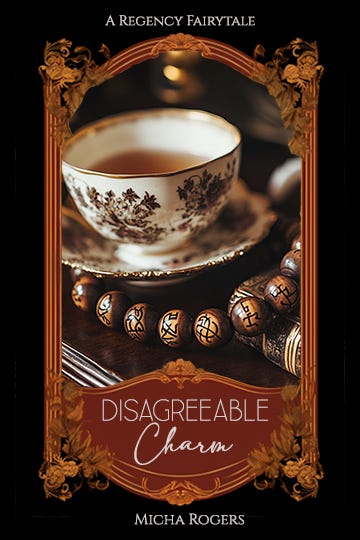
Leaner thin [Used for the Word ‘Disagreeable’]
Adelia [Used for the word ‘Charm’]
Cinzel [Used for author name and top line that says ‘A Regency Fairytale’]
Final Mockup
Finally, I photoshopped (is that a verb now, like ‘Googled?”) those two images together as best I could, though I’m no photoshop expert (this was only for creative fun after all). Then I added the newly installed fonts/text where I wanted it.
Summary
I know, I know - calm down - I am aware this is a bit of a duct-tape-job. I did this for fun. I’m no digital expert.
Hire an Expert Designer: So, eventually I’ll hire a professional digital artist at Fiverr to take my mock-up and level-it-up to be all squeaky-clean and perfect. But they can use this to guide them, so they know precisely what I’m looking for.
And, I wanted to share my process for creating a mock-up book cover, for those who might like to dabble in it themselves.
Share
What tools do you use to make book covers, mock-up or final?